With the right tools and a quick look at usage data, it is easier to determine if a free days plan fits your everyday schedule.
Using smart meter data to evaluate plans
You can review your energy usage by logging in to your Online Account Manager (OAM) or by accessing your account in the Direct Energy mobile app. Your free days electricity plan might require a smart meter so your electricity use can be tracked by the hour. This allows your energy usage to be split between free hours and paid hours on your bill. While your smart meter tracks your energy usage for you, you should review your time-of-day data weekly or monthly to help you see when you use most of your electricity and whether it happens during or outside of your plan's free daytime hours.
Tools to monitor your electricity usage patterns
Whether you're on the mobile app or logged in to your dashboard on another device, you can quickly review your:
- Energy insights chart: An itemized view of appliance energy use and costs
- Heat map calendar: A color-coded view of daily energy use that highlights high- and low-usage days
- Home comparison tool: A comparison of your energy use with similar homes, including major usage drivers
- Predictive weather overlay: A weather-based estimate that forecasts future energy costs using past usage
- Usage anomaly alerts: Email alerts that flag unusual changes in your energy use
Setting up Smart Alerts can help you manage your electricity usage throughout the day.
How to tell if a free days plan is saving you money
A free days plan can deliver more value when a larger share of your energy use falls within the designated free daytime period. To help you decide whether this type of plan is helping manage your costs, you can compare your current bill to past usage and note any changes to your bill and daily routines.
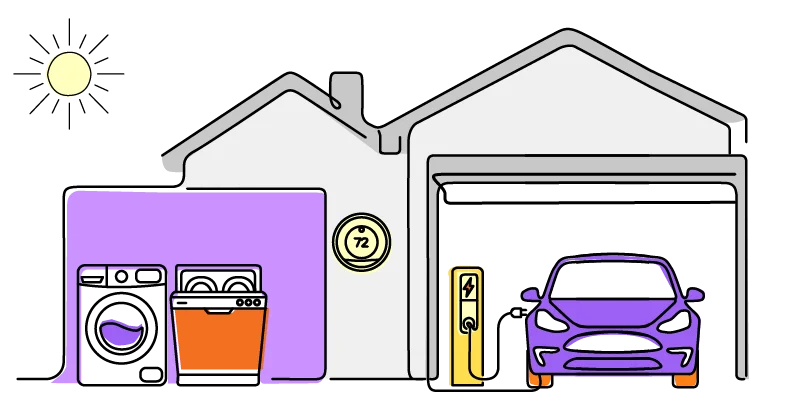
Still not sure if a free days electricity plan is the right fit? Compare common energy usage patterns to help you decide.












 X
X